Intermediate
Ages 11-14 | Grades 6-9Digital Literacy Profiency
Develop competence in using multiple apps. Design publications, build websites, program games, invent prototypes, and more.

Browse Courses for
Intermediate Grades

 Google
 Microsoft








Global Standards Driving Digital Intelligence Education
TechnoKids has been awarded the Powered by DQ seal. You can be confident that our
courses
deliver high-quality learning experiences. Our program meets global standards for
digital literacy, skills, and readiness.
TechnoKids Collections align with multiple digital intelligence competencies within
the
DQ Global Standards (IEEE 3527.1TM).

Recommended Sequence
Ages 11-12 | Grade 6 or 7
Computer Applications | Digital Literacy

TechnoNewsletter

Design a professional-looking publication using Google Docs or Microsoft Word lesson plans. Build word processing skills.



TechnoRestaurateur
Launch a business venture. Propose a unique restaurant concept with entrepreneurship lessons. Build financial literacy.






TechnoTravel
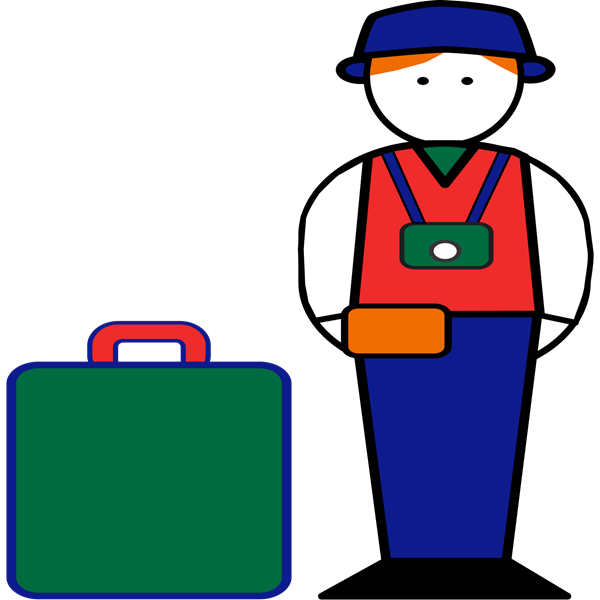
Promote a weekend getaway. Research a destination. Construct a compelling and persuasive advertisement.
Computer Science


TechnoCode

Spark an interest in computer science with STEM lessons. Coders create an activity studio for their friends.
Ages 12-13 | Grade 7 or 8
Computer Applications | Digital Literacy
TechnoBiography
Compose a biography with a media gallery of artifacts. Word processing lesson plans use Google Docs or Microsoft Office.
TechnoBudget

Learn personal finance. Build a budget and justify a spending plan using financial literacy lesson plans.

TechnoMap

Connect noteworthy people, significant events, and places. Map skills lesson plans use Google Slides or PowerPoint.
Computer Science

TechnoHTML5
Code a one-of-a-kind web page with HTML and CSS lessons for beginners. Style text, graphics, and hyperlinks.
Ages 13-14 | Grade 8 or 9
Computer Applications | Digital Literacy


TechnoEarth

Become an environmental steward. Publish a powerful call to action using Google Sites, Docs, Slides, Sheets, and more.


TechnoQuestionnaire

Investigate an issue. Conduct a Google Forms survey to track popular opinion, display data, and interpret results.
TechnoDebate

Collaborate with a partner to debate the pros and cons of a controversial issue. Prepare a convincing animated debate.
Computer Science
TechnoPython
Tackle programming missions: Pet Monster Rescue, Adventure Quest, and more. Share insights in a coding presentation.
TechnoBot AI
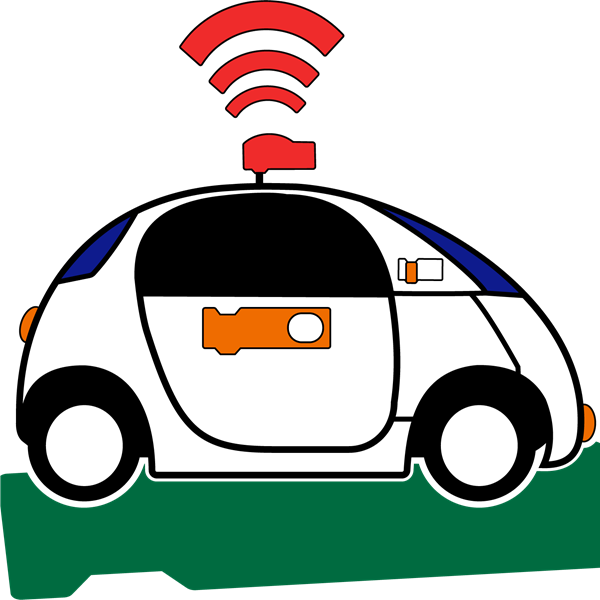
Program a drone delivery system, robot pick-up service, and self-driving bus to solve real world problems using AI.
Beginner
Intermediate
Difficult
Intermediate technology courses are for middle or high school students. They develop proficiency in using technology. Activities emphasize critical, creative, and computational thinking. Students design publications, analyze data, build web pages, program games, and more!
Ages 11-12
Grade 6 or 7
Ages 12-13
Grade 7 or 8
Ages 13-14
Grade 8 or 9
Animation
trigger events with broadcasting; adjust order of events; set advancement options
set duration of events; zoom to content; restrict advancement options
sense when to start or stop an action; respond to events to control movement
Artificial Intelligence
explore emerging & futuristic technologies; apply AI design tools
invent AI prototypes; examine societal impact; study computer vision
Coding
design programs with Scratch; remix code; loop; create variables; perform operations
design a webpage with HTML & CSS; insert text, images, lists, & links; build a table
design programs with Python; create local & global variables, store lists; random library
Data Analysis
analyze data using formulas & graphs; predict values with trendline; examine findings
transform data using conditional formatting & filters; interpret results to justify decisions
conduct research with e-form; conduct pre-test; consider bias; explain results
Digital Citizenship
customize user profile; remix; control file sharing; co-author; add endnotes & footnotes
generate a bibliography; express digital empathy; identify as a digital content creator
recognize information bias; co-create; moderate comments; follow/unfollow members
Game Development
develop mazes & quests in Scratch; design a game studio; use multiple player controls
create a matching game, guessing game, & text-based adventure using Python; game test
Graphics
align shapes to page or selected objects; recolor images; merge shapes; set transparency
apply graphic skills to format shapes & images; use CSS attributes to style web-based images
apply graphic skills to format shapes & images; design an icon; set canvas size
Internet
Presentation
edit master slide; insert headers & footers; use slide views; set kiosk mode
produce non-linear presentation; control slide advancement; zoom to slides
collaborate on joint presentation; orders slides; set file permissions; add comments
Publishing
express ideas clearly and concisely; format page layout to suit the publication
enhance text readability; use graphic organizers to effectively present information
divide information into logical sections; insert captions to describe images; balance the layout
Spreadsheet
compare formulas; use built-in functions; apply trendline to chart & modify the style
apply conditional formatting; filter data; use sumif; construct absolute cell references
examine data collected with an e-form in a spreadsheet
Web Design
code a webpage with HTML & CSS; insert text, images, lists, & links; build a table
design a web-based infographic using WYSIWYG; embed slide deck, map, and drawings
Word Processing
create tables; add headers & footers; customize bullets; insert page & section breaks
apply heading styles; generate table of contents; add bookmarks; insert smartart
Intermediate technology courses are for middle or high school students. They develop proficiency in using technology. Activities emphasize critical, creative, and computational thinking. Students design publications, analyze data, build web pages, program games, and more!
How to Pick a Course
TechnoKids Intermediate Curriculum follows a progressive learning framework, where skills and competencies develop gradually across grades 6-9. Nevertheless, each TechnoKids course can be taught independently or combined with other titles to create a distinctive learning experience for middle school students. Here are some recommendations for choosing an Intermediate course:
-
Consult the Scope & Sequence.
This framework organizes courses according to grade level and age. The difficulty level of courses progresses from left to right. As a result, the course in the first column is appropriate for the beginning of the school year, while the one in the last column is better suited for the end of the school year.
-
Assess whether a course aligns with the developmental stage of your students.
While the Scope & Sequence framework provides recommendations, it's essential to evaluate the specific needs of your learners. If they require more challenging tasks, opt for a course from a higher grade. Conversely, if your students require simpler assignments, select a course from a lower grade.
-
Consider the technology skill you are required to teach.
Each TechnoKids course emphasizes a key digital literacy skill, which serves as the central focus of the lessons. For instance, the activities may highlight word processing, spreadsheets, presentation, or coding. Select a course that matches your specific needs.
-
Integrate a course into an existing curriculum unit.
TechnoKids courses offer flexibility as many of the tasks are open-ended. You can choose a course that aligns with a topic or theme you are currently teaching in another subject like history, mathematics, or language arts. For example, TechnoEarth integrates into an environmental unit, and TechnoMap fits well with geography.
-
Choose a project you want students to create.
Explore the course descriptions to understand the assignments students undertake. For instance, are you interested in having your students invent AI prototypes, design an infographic, code a web page, participate in digital debate, or promote a weekend getaway?
-
Identify the available software.
TechnoKids courses use various applications including Microsoft Office, Google Docs, Scratch, and IDLE Python. Before making a choice, assess whether students have the required software on their devices.
-
Take into account students' interests.
TechnoKids courses offer numerous opportunities to apply digital tools in creative ways. Discuss with your students which ones capture their interests. For example, they can choose to enhance their word processing skills by creating either a fan club newsletter in TechnoNewsletter or by commemorating a notable person in TechnoBiography.
Intermediate technology courses are for middle or high school students. They develop proficiency in using technology. Activities emphasize critical, creative, and computational thinking. Students design publications, analyze data, build web pages, program games, and more!
Please fill out the form below and we will get back to you as soon as possible.